




Creating a home office that feels both comfortable and encourages productivity is essential for anyone working remotely or managing tasks from home. A well-designed workspace can improve focus, reduce stress, and make working at home a pleasant experience. Here are practical tips to help you design a cozy and productive home office space.
Choose the Right Location
Prioritize Natural Light
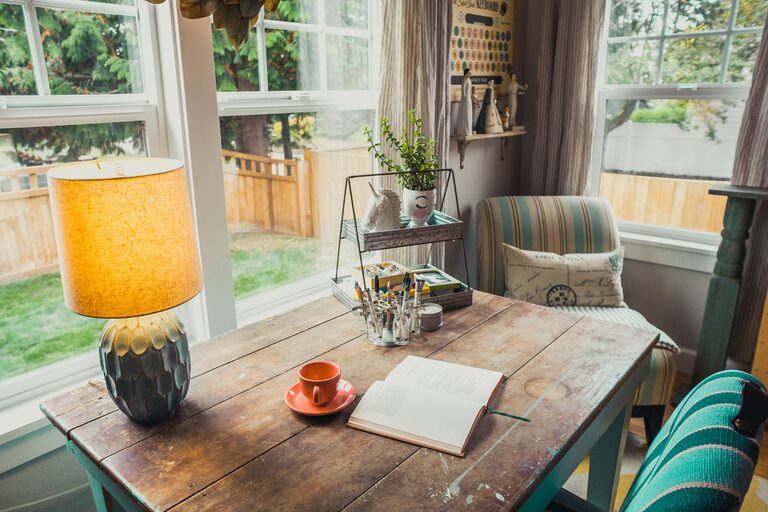
Natural light plays a significant role in how energized and alert you feel during the day. If possible, set up your desk near a window to benefit from daylight. This not only reduces eye strain but also helps regulate your body’s natural rhythm.
Minimize Noise and Distractions
Select a quiet corner or room to reduce interruptions. If that’s not possible, consider noise-cancelling headphones or white noise machines to maintain focus.
Consider Privacy
Even in shared homes, a space that feels private can make a huge difference. Use room dividers, curtains, or screens to create a dedicated office zone.
Invest in Comfortable and Functional Furniture
Ergonomic Chair and Desk
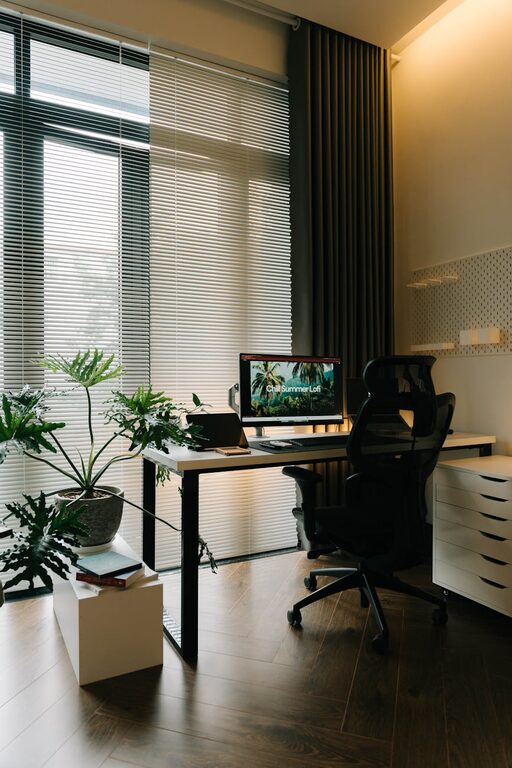
Choose an ergonomic chair with good lumbar support to prevent back pain. Your desk should be at a height that allows your arms to rest comfortably when typing. Adjustable furniture can adapt to your needs over time.
Adequate Desk Space
Make sure your desk has enough room for your computer, paperwork, and other tools. Cluttered surfaces can negatively affect productivity and cause unnecessary stress.
Add Storage Solutions
Shelves, filing cabinets, and desk organizers keep your essentials within reach and your workspace tidy. This reduces distractions and saves time searching for items.
Personalize Your Workspace
Use Calming Colors
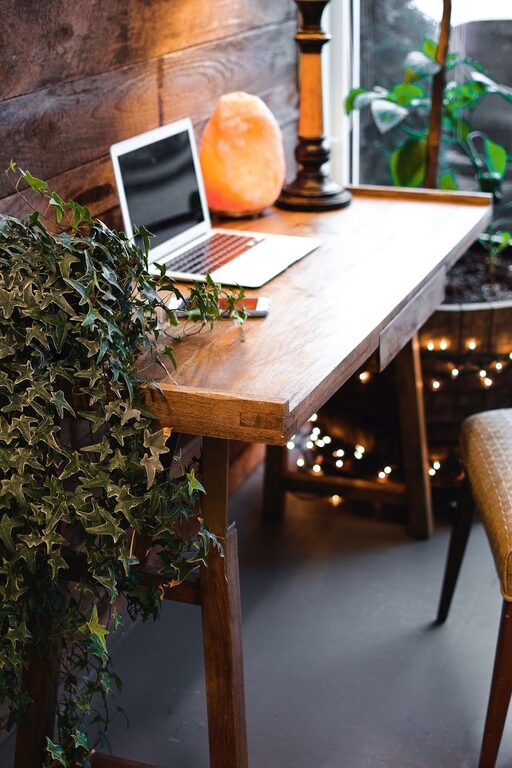
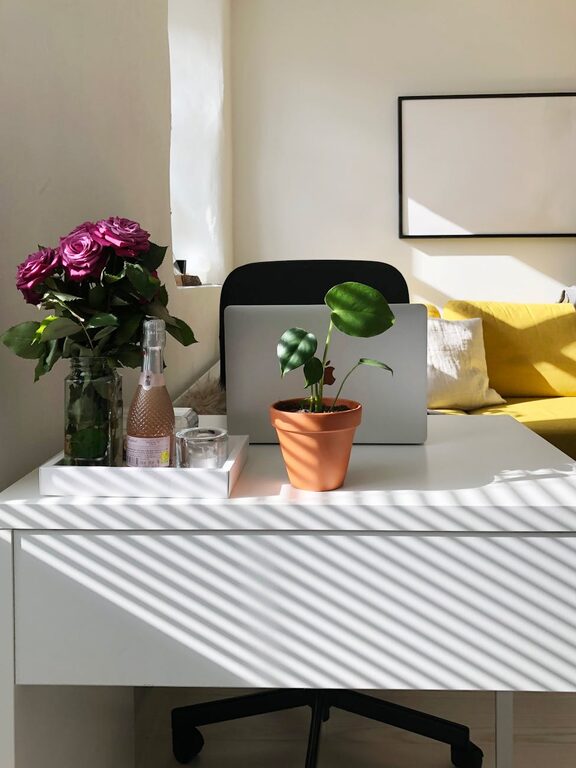
Soft, neutral tones or pastels create a relaxing environment. If you want to add bursts of color, consider green plants or warm lighting instead of bright walls.
Incorporate Plants
Indoor plants can improve air quality and boost mood. Choose low-maintenance options like succulents, snake plants, or pothos for easy care.
Bring in Personal Touches
Photos, artwork, or meaningful objects can make your workspace feel inviting without overcrowding. Just be mindful not to create clutter.
Optimize Lighting
Combine Ambient and Task Lighting
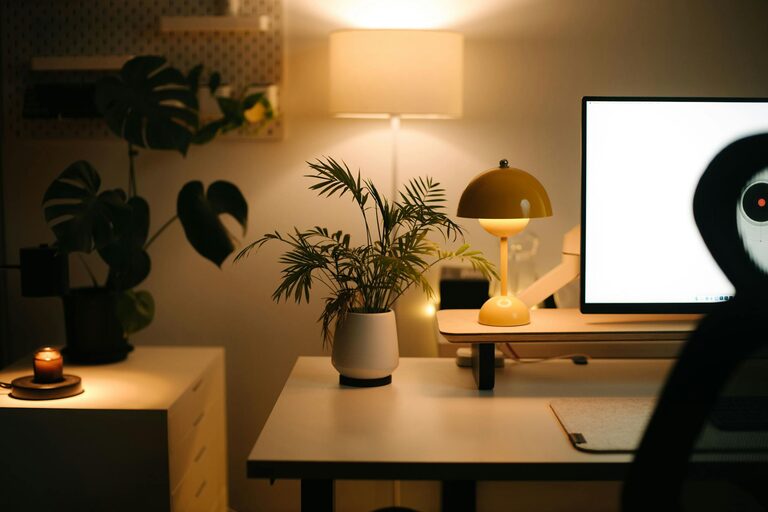
A mix of overhead lighting and a focused desk lamp helps reduce eye strain and creates a balanced atmosphere. Adjustable lamps allow you to focus light where it’s needed most.
Avoid Glare
Position your computer screen to avoid glare from windows or lights. Use blinds or curtains to control natural light levels, especially during bright afternoons.
Organize Technology and Cables
Use Cable Management Tools
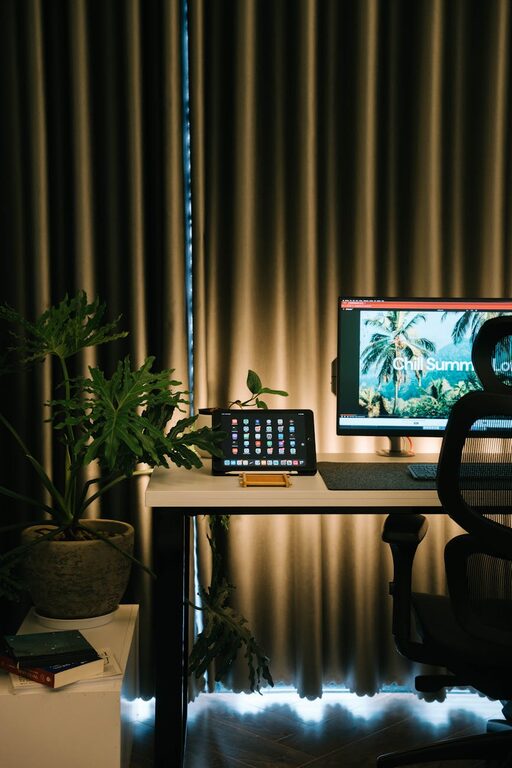
Messy cables are distracting and can make a space feel chaotic. Cable clips, sleeves, or under-desk trays help keep wires neat and out of sight.
Keep Technology Up to Date
Ensure your computer, printer, and other devices are reliable and efficient. Slow or malfunctioning equipment can harm productivity and create frustration.
Establish a Routine and Break Areas
Designate Break Zones
If space allows, create a spot for short breaks—like a comfy chair or a small corner with a cup of tea. Stepping away from your desk briefly refreshes your mind.
Schedule Regular Breaks
Incorporate short pauses into your workday to stretch or relax. This helps prevent burnout and keeps your energy levels steady.
Maintain Cleanliness and Air Quality
Regular Cleaning
Dust and clutter can negatively impact your comfort and health. Clean your workspace regularly, wiping down surfaces and vacuuming floors.
Improve Air Circulation
Open a window when possible or use an air purifier. Fresh air helps increase concentration and keeps you feeling alert.
Use Productivity Tools
Digital Organization Apps
Apps for task management, note-taking, and calendar planning can keep your projects on track.
Physical Tools
A planner, whiteboard, or bulletin board can provide a visual way to monitor your progress and deadlines.
—
Creating a cozy and productive home office is about balancing comfort with efficiency. By thoughtfully choosing your space, furniture, lighting, and organization methods, you can build an environment that supports your best work. Remember, the goal is to create a setting that makes you look forward to sitting down and focusing on your tasks every day.