




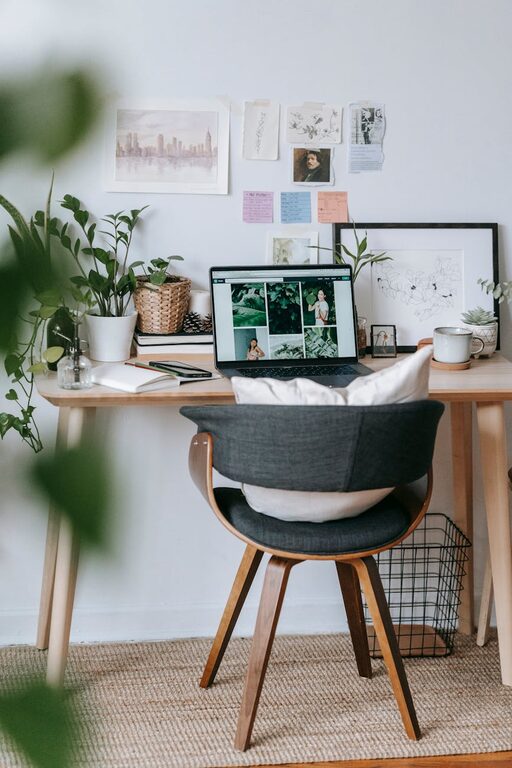
Creating a home office space that feels both cozy and inviting can transform your work routine, making tasks feel less stressful and more enjoyable. Whether you have a dedicated room or a small corner, thoughtful design can help you stay focused while feeling comfortable. Here are practical tips to help you set up a welcoming home office space.
Choose the Right Location
Consider Natural Light
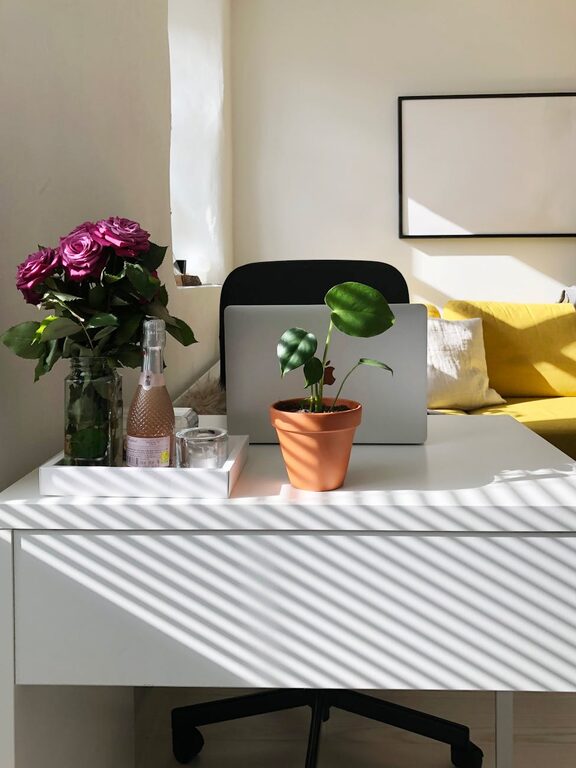
Whenever possible, position your desk near a window to take advantage of natural light. Sunlight not only brightens the room but also can lift your mood and reduce eye strain.
Minimize Distractions
Pick a quiet spot away from heavy household traffic. If you don’t have a separate room, consider using room dividers or noise-cancelling headphones to create a distraction-free zone.
Focus on Comfort
Invest in Ergonomic Furniture
A comfortable chair with good lumbar support is essential. Pair it with a desk at the right height to avoid strain on your wrists and shoulders.
Add Soft Textures
Include soft cushions, a cozy throw blanket, or a small rug to make the area feel warmer and more inviting. These textures also add a personal touch.
Organize Efficiently
Use Storage Solutions
Clutter can quickly disrupt focus. Use shelves, filing cabinets, or baskets to keep papers and supplies tidy. Label containers to maintain order.
Keep Essentials Within Reach
Arrange frequently used items close to your workspace to avoid constant interruptions. This can include pens, notebooks, and your computer accessories.
Personalize Your Space
Decorate Thoughtfully
Add elements that inspire and calm you, such as plants, artworks, or pictures of loved ones. Greenery can improve air quality and bring a touch of nature indoors.
Choose Calming Colors
Opt for soft, neutral shades or colors that boost creativity, such as blues and greens. Avoid overly bright or harsh tones that might cause eye fatigue.
Enhance Lighting
Layer Your Lighting
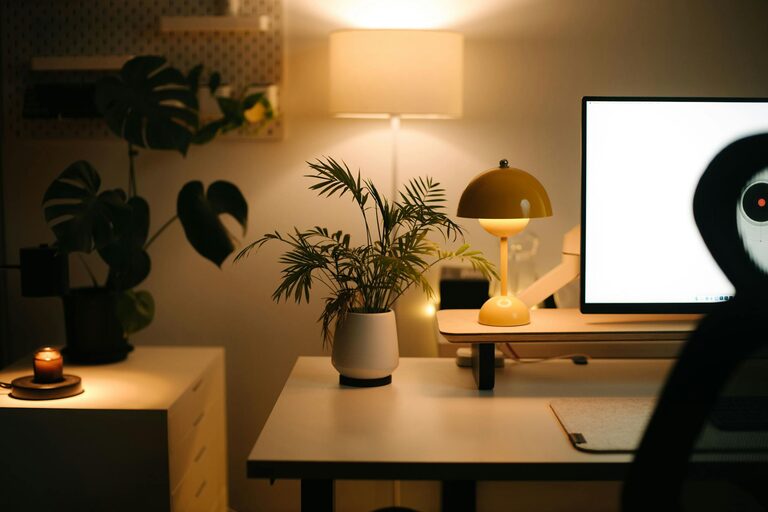
Combine ambient lighting with task lighting. A desk lamp with adjustable brightness can help you tailor the light to your needs throughout the day.
Avoid Screen Glare
Position your monitor to reduce glare from windows or overhead lights. Anti-glare screen protectors can also be helpful.
Incorporate Technology Thoughtfully
Use Wireless Devices
Wireless keyboards and mice help reduce cable clutter. Invest in a good pair of headphones for calls and focus sessions.
Cable Management
Use clips or sleeves to keep cords organized and out of sight, contributing to a cleaner and calmer environment.
Take Care of Air Quality and Temperature
Ventilate Regularly
Fresh air is important for concentration and health. Open your window periodically or use an air purifier to improve air quality.
Maintain Comfortable Temperature
Use a fan or heater as needed to ensure your workspace stays at a pleasant temperature throughout the year.
Establish a Routine
Define Work Hours
Set clear start and end times to separate work from leisure, helping maintain a healthy work-life balance.
Include Break Areas
If space allows, designate a small spot with a comfortable chair or cushion for breaks and relaxation.
—
Creating a cozy home office is about balancing comfort, functionality, and personal style. By considering lighting, ergonomics, organization, and decoration, you can foster an environment where you feel motivated and at ease each day. A thoughtful workspace not only supports productivity but also makes working from home a more pleasant experience.